Did you know that Google offers more than 100 products, tools and services, including Google Analytics and Google Webmaster Tools? Google provide this for the improving of a website ranking and other features in it,While all of these products add some value for website owners, two that are particularly important for digital marketers are Google Analytics and Google Webmaster Tools.
Google Analytics
This free tool provides full website traffic statistics including total visits, average time on site, and bounce rate. In addition, Google Analytics shows you a website’s audience and demographic. When you want to know how people are finding your site and how they are engaging with it, Google Analytics can tell you.
Google Analytics also integrates with a variety of products including Adsense, Google+ and AdWords. If you are using select Google products, then you can integrate your campaigns within Google Analytics for tracking and reporting purposes.
GOOGLE WEBMASTER TOOLS
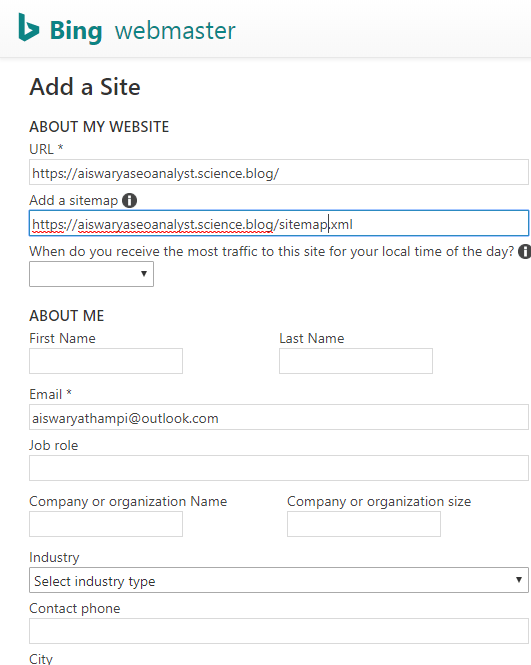
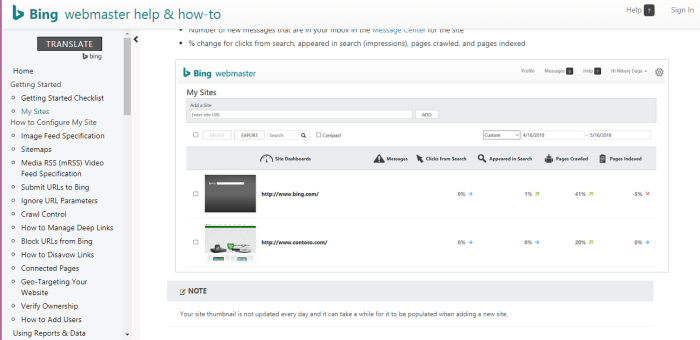
Google Webmaster Tools provides information that can help you improve your site’s visibility in search. You can see how many impressions your site is generating in search engines, by keyword or by page. You can also monitor click-through rates from search engine results pages to your site. You may also want to upload an xml sitemap to help Google crawl your site, or check for crawl errors. Perhaps most importantly, having a verified Google Webmaster Tools account allows Google to tell you about technical problems with your site, such as an increase in 404 (not found) errors.

A simple way to describe the difference between Google Analytics and Google Webmaster Tools is this: Webmaster Tools reports on how search engines interact with your site, while Google Analytics reports on how website users interact with your site. Whether you are personally managing your brand’s digital presence or working with a third-party, both Google Analytics and Google Webmaster Tools provide valuable and actionable information. And the best part is, they’re both free.
 SEO Expert Kerala- Aiswarya Thampi SEO Expert